
Dashboards Your Team Will Actually Use: UX for Business Software

Business software often gets the least design attention, even though people use it for hours every day. A confusing screen in an ERP or admin panel costs time on every single order, every single day. Good UX design turns that cost into speed.
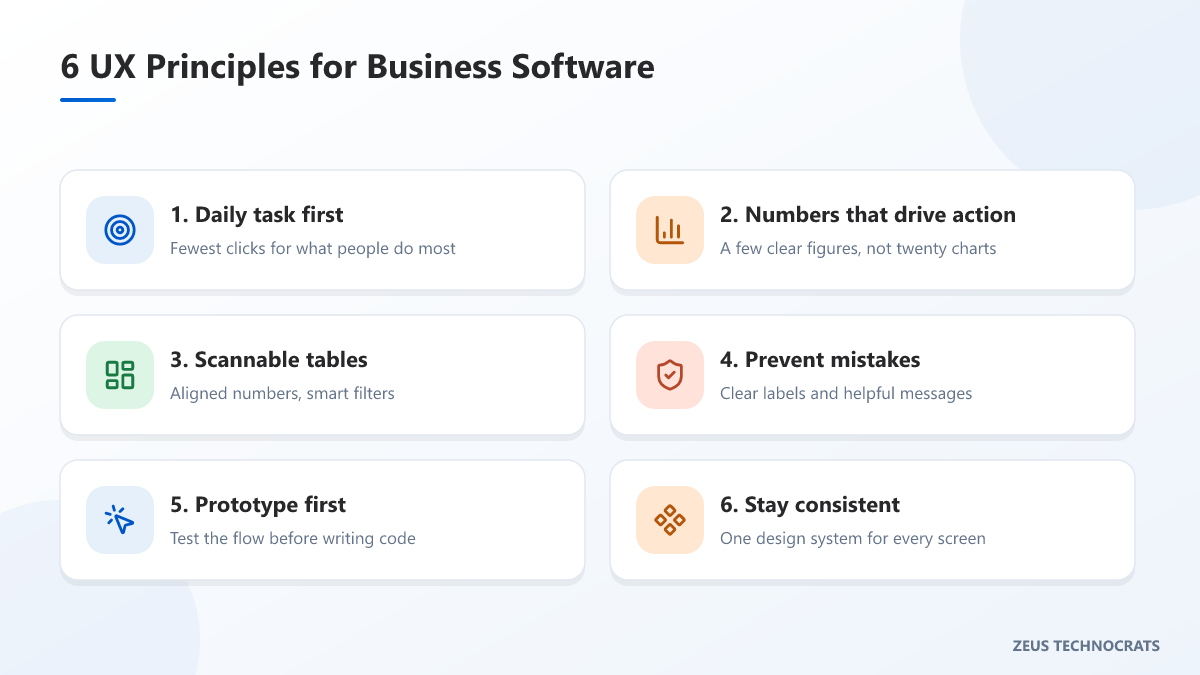
1. Design for the daily task, not the feature list
Start by asking what each person does most often: entering an order, checking stock, approving a request. Those tasks should take the fewest clicks and appear first. Rarely used settings can live one level deeper.
2. Show the numbers that drive decisions
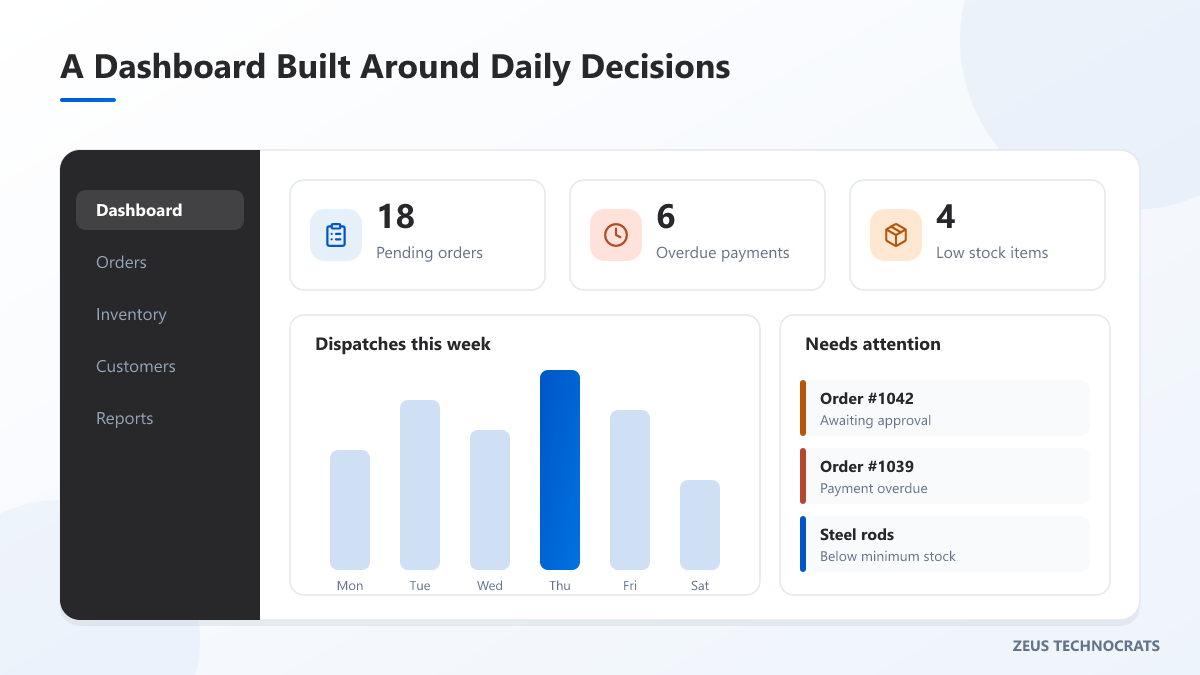
A dashboard with twenty charts is a dashboard nobody reads. Pick the handful of figures that lead to action — pending orders, overdue payments, low stock — and make them impossible to miss. Use colour sparingly, and never as the only way to show a status.
3. Make tables easy to scan
Most business work happens in tables. A few details make a big difference:
- Right-align numbers so they are easy to compare.
- Keep the most important columns on the left.
- Add quick filters for the views people use every day.
- Make tables readable on tablets and phones, not just desktops.
4. Prevent mistakes before they happen
Clear labels, sensible defaults and helpful validation messages stop errors at the source. Instead of "Invalid input", tell people exactly what to fix. Ask for confirmation only for actions that are hard to undo.
5. Test with a prototype before building
A clickable prototype lets your team try a new workflow before a single line of code is written. Changing a design takes hours; changing finished software takes weeks. Five short sessions with real users usually reveal the biggest problems.
6. Keep it consistent
When every screen uses the same buttons, colours and patterns, people learn the system once. A small design system — reusable components and simple rules — keeps new screens consistent and faster to build.
The goal isn't a beautiful screenshot. It's a team that finishes its work faster, with fewer mistakes.
Because our designers work alongside our engineers, our designs are always practical to build. See our UI/UX and product design services, or talk to us about improving your software.